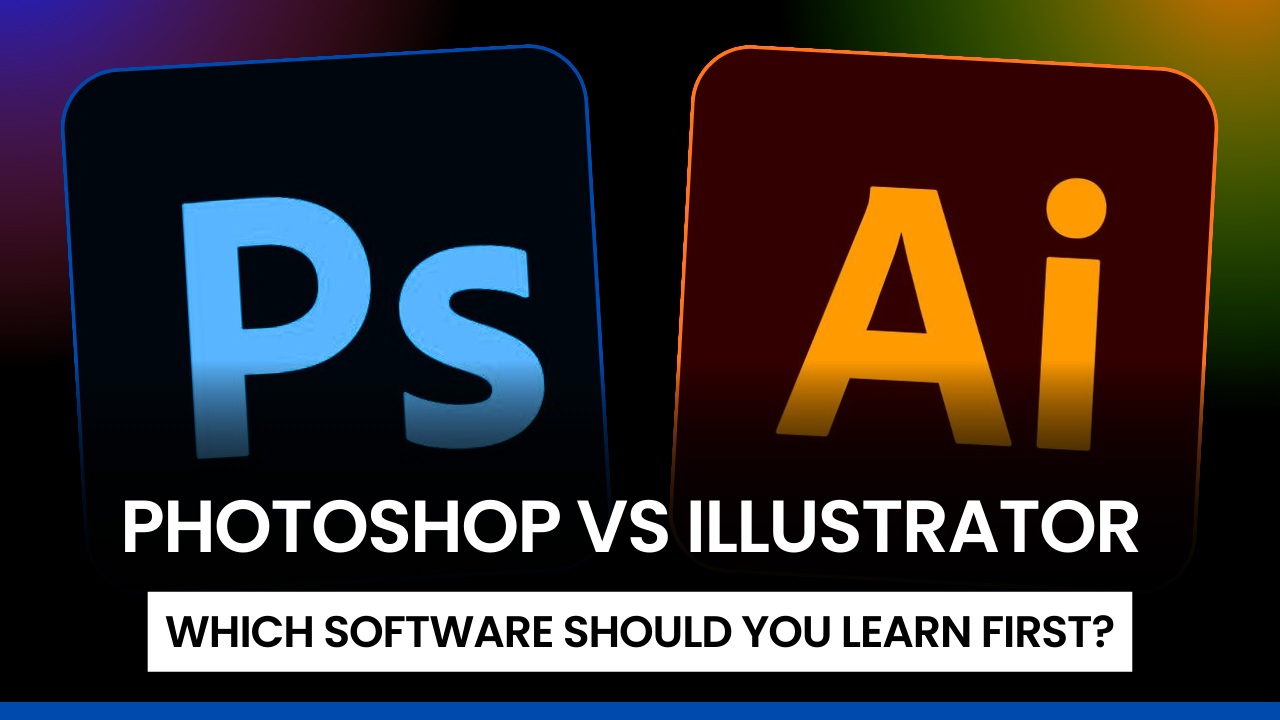
Are you confused about whether to start with Photoshop or Illustrator as a beginner?
You’re not alone—this is one of the most common questions among students and aspiring designers.
Choosing the right tool at the beginning can save time, reduce frustration, and help you build strong design fundamentals. In this blog, we’ll explain the difference between Photoshop vs Illustrator, common beginner problems, and which software you should learn first based on your goals.
Common Problems Beginners Face When Choosing Design Software
Many beginners struggle because they don’t clearly understand how these tools are used in real-world design.
1. Confusion Between Photoshop and Illustrator
Both are Adobe tools, so beginners often assume they do the same job.
2. Fear of Choosing the “Wrong” Software
Students worry that selecting the wrong tool may affect their career growth.
3. Overwhelming Interfaces
The number of tools and panels can feel intimidating at first.
4. Lack of Career Clarity
Beginners are often unsure whether they want to work in graphic design, digital art, or marketing.
Understanding your purpose makes the decision much easier.
What Is Photoshop Used For?
Photoshop is mainly used for image-based and raster graphics.
Best Uses of Photoshop
-
Photo editing and retouching
-
Social media creatives
-
Website banners
-
Digital posters and advertisements
-
Image manipulation
Photoshop works with pixels, making it ideal for designs that involve photos and visual effects.
What Is Illustrator Used For?
Illustrator is used for vector-based designs that remain sharp at any size.
Best Uses of Illustrator
-
Logos and branding
-
Icons and illustrations
-
Infographics
-
Packaging design
-
Print materials like visiting cards
Illustrator designs are resolution-independent, making them perfect for professional branding work.
Photoshop vs Illustrator: Key Differences for Beginners
Design Type
-
Photoshop: Photo-based, pixel graphics
-
Illustrator: Shape-based, vector graphics
Learning Curve
-
Photoshop: Easier for beginners
-
Illustrator: Takes more time to understand
Career Applications
-
Photoshop: Digital marketing, social media, photo editing
-
Illustrator: Logo design, branding, professional graphics
Which Design Tool Should Beginners Learn First?
Choose Photoshop If You:
-
Are a complete beginner
-
Want quick visual results
-
Are interested in social media design or photo editing
-
Plan to work in digital marketing or content creation
Photoshop helps beginners understand basic design concepts like layers, colors, and composition.
Choose Illustrator If You:
-
Want to become a logo or brand designer
-
Are interested in illustration or print design
-
Prefer clean, scalable designs
Illustrator is more effective once you understand design fundamentals.
Best Learning Path for Beginners
For best results, follow this sequence:
Step 1: Start with Photoshop
Learn:
-
Layers
-
Image editing
-
Basic typography
Step 2: Move to Illustrator
Learn:
-
Vector shapes
-
Logo creation
-
Advanced typography
This learning path helps you become job-ready faster.
Career Scope After Learning Photoshop and Illustrator
Learning both tools opens up multiple opportunities, such as:
-
Graphic Designer
-
Social Media Designer
-
Branding Executive
-
Digital Marketing Creative
-
Freelance Designer
Most companies prefer designers who understand both raster and vector tools.
FAQs: Photoshop vs Illustrator for Beginners
Is Photoshop enough for graphic design?
Photoshop works well for digital designs, but Illustrator is essential for logos and branding.
Can beginners learn both tools together?
Yes, but starting with one tool avoids confusion.
Which tool is better for freelancing?
Both are valuable—Photoshop for quick projects, Illustrator for branding work.
Conclusion
When it comes to Photoshop vs Illustrator, there is no wrong choice—only the right starting point.
For beginners, Photoshop is usually easier and more intuitive. Illustrator becomes powerful once you understand design basics. Learning both step by step builds a strong foundation for a successful design career.